Tiny Pad for openSUSE is published as an RPM package (.rpm) in the Tiny Pad repository. Add the repository once and zypper installs it and every later release, the same way it handles the rest of your system.
Add the Tiny Pad repository
The recommended way. Two commands, and updates arrive on their own afterwards.
Add the repository
Fetch the repository definition. It carries the address of the signing key, so there is nothing else to set up:
Install Tiny Pad
Refresh and install. On the first run zypper shows you the signing key’s fingerprint and asks you to trust it:
sudo zypper update. Every package and every index is signed, and zypper refuses anything that does not verify.Start Tiny Pad
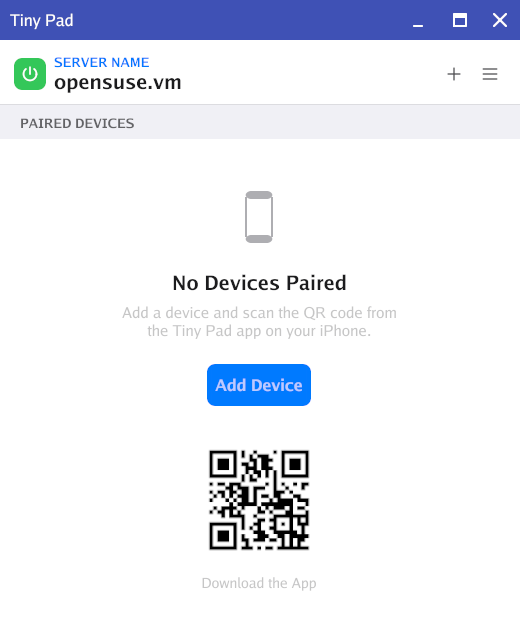
Launch the server from the terminal, or find Tiny Pad Server in your applications menu:
Installing graphically
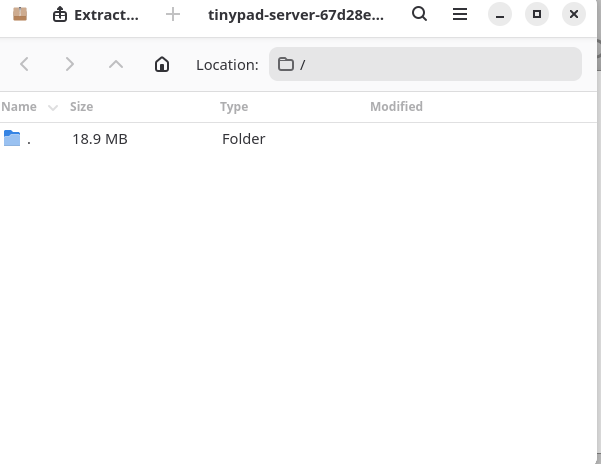
openSUSE’s default desktops do not include a software store that installs a downloaded .rpm file. Double-clicking the package opens the Archive Manager, which only lets you browse or extract the file. It does not install it.
Use the repository steps above to install Tiny Pad. If you would rather install one release by hand, download the package and open YaST › Software to install it. Note that Tiny Pad will not update itself that way.